Google Maps Wrapped
Google Maps doesn't make a Wrapped, so we do. Drop in your Maps reviews and saved places and get your critic type, favourite spots and home turf on one shareable card.
Free, no account. Your file never leaves your browser.
Atlas of Taste
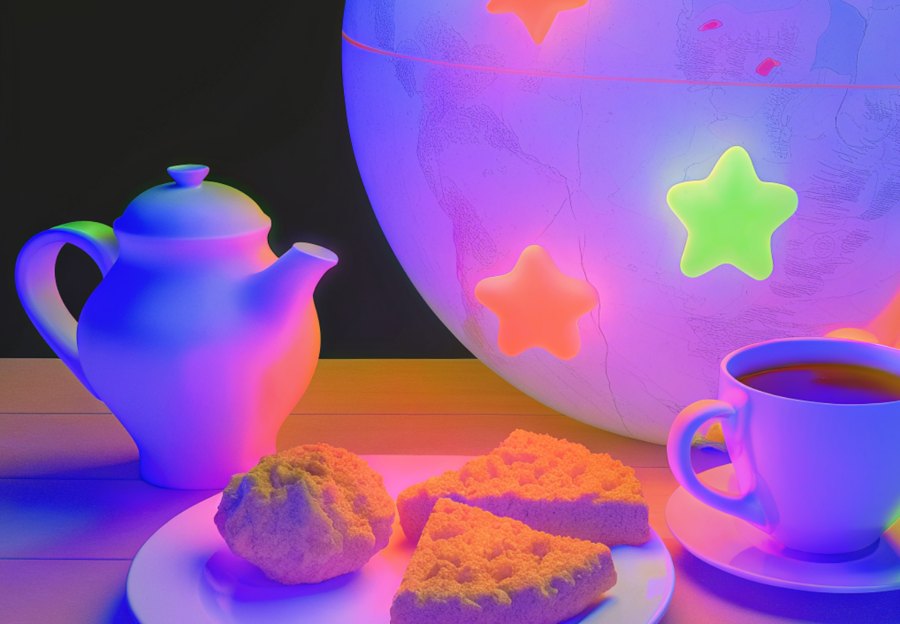
15 Countries: Your map reaches across 15 countries, with 176 of them in Great Britain. F. Mondays in 2017 started it all. Still there?
883 Places Saved: A proper atlas, spread across 14 lists, with stars appearing between 2019 and 2026. Plenty of pins to review.
Restaurant Seeker: 883 places across 14 lists, with a strong focus on restaurants. Is Pies ’n’ Thighs from 2019 still there?
Made on superwrapped.com
27 Nov 26
How Google Maps Wrapped works
Google Maps has no Wrapped of its own. What it does have is a Google Takeout export of the places you've reviewed and the places you've saved, and that holds plenty to build one.
Superwrapped reads the export in your browser and works out your Google Maps stats: how many places you've reviewed, what kind of critic you are, what earns your five stars and what gets one, how many places you've saved and what kind, how far your map reaches and where your home turf is. Those become short insights and a piece of artwork on one card, made to share.
It uses your reviews and saved places, not your Timeline, so it works with Timeline turned off. Your file never leaves your device: only small summaries, like your review count or your most-saved kind of place, are sent to write your insights and draw your artwork.
What your Google Maps Wrapped shows
- How many places you've reviewed
- What kind of critic you are
- What earns your five stars
- What gets one star
- How many places you've saved
- What kind of places you save
- How far your map reaches
- Where your home turf is
Get your Google Maps file in 5 steps
- 1.Open Google Takeout: Go to takeout.google.com and sign in.
- 2.Select Maps data: Click Deselect all, then tick Maps (your places) for your reviews and Saved for your saved places and lists. A full-account export also works, but this one arrives faster.
- 3.Create the export: Click Next step, keep the defaults, and click Create export. Google emails you a download link; this can take from a few minutes to a few hours.
- 4.Download the ZIP: Open the link from Google's email in Chrome or Firefox and download every part. Safari unzips downloads automatically, so you'd get a folder instead of a ZIP. If that's already happened, open the folder and drop the files inside Maps (your places) and Saved instead.
- 5.Upload to Superwrapped: Drop the downloaded ZIP into Superwrapped. If Google split the export into several parts, drop them all.
Takeout exports are emailed, though small Maps-only exports usually arrive quickly. For now, this only works when your Google account's language is English.
Google Maps Wrapped FAQ
Google Maps doesn't make an official Wrapped. Superwrapped builds one from your Google Takeout export: how many places you've reviewed, what kind of critic you are, the places you save and where your home turf is.
No. It reads your reviews and saved places, not your location history, so you don't need Timeline turned on and your day-to-day movements aren't part of it.
Yes. There is no subscription, no account to create and no Google sign-in. You export your own Maps data with Google Takeout and drop the ZIP into Superwrapped.
Your file is read and stored inside your browser and is never uploaded to our servers. Only small summaries, like your review count or your most-saved kind of place, are sent to generate your card's insights and artwork.
Google emails you a download link, which can take from a few minutes to a few hours. Small Maps-only exports usually arrive quickly.
For now, Superwrapped can only read Takeout exports from Google accounts set to English. If you downloaded in Safari, it may have unzipped the export into a folder: drop the files inside Maps (your places) and Saved instead.
Superwrapped is not affiliated with or endorsed by Google Maps.